Achieve True Passwordless Sign-In with TPM-Protected Keys
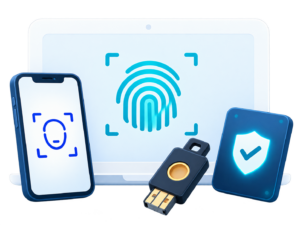
Support multiple authentication methods, including FIDO, Citizen Digital Certificates, and Mobile Citizen Digital Certificates, to deliver a safer, faster, and more convenient Sign-In experience.
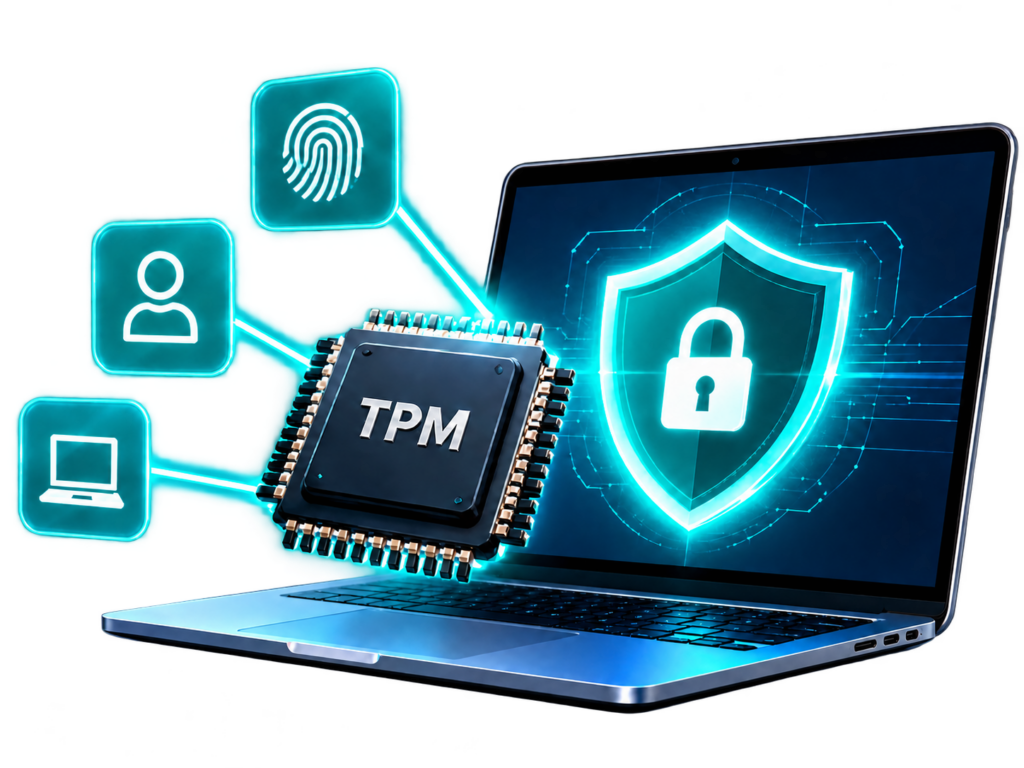
*TPM (Trusted Platform Module) provides hardware-based protection for login private keys, helping prevent unauthorized access, duplication, or transfer to other devices, while further strengthening device identity and login security.
Advantages for a Passwordless Sign-In Environment
Eliminate Passwords
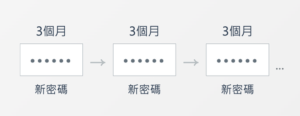
Say goodbye to periodic password changes
No AD password required during Sign-In
Biometric Sign-In
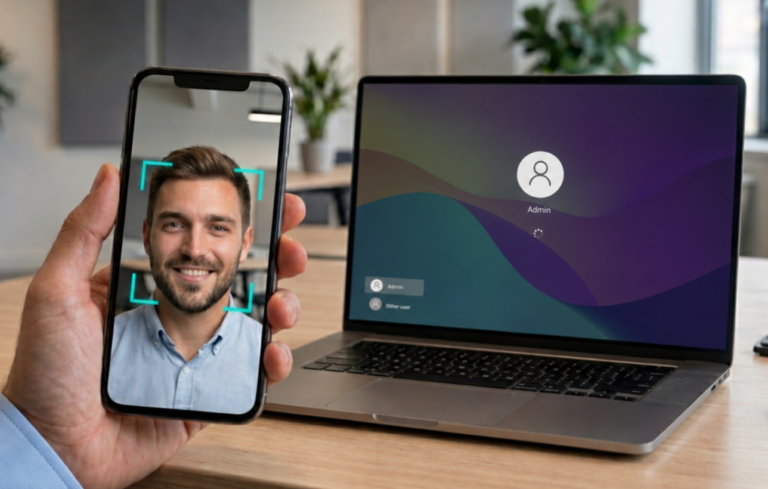
Bind a mobile device with facial or fingerprint recognition
Simple and secure passwordless Sign-In
TPM Protection
TPM hardware-protected key authentication
Prevent AD password-based privilege escalation
From Frequent Password Changes
to Secure Sign-In in Seconds
Passwordless authentication uses devices, credentials, biometrics, one-time authentication, and other methods to enable secure and convenient identity verification without relying on traditional passwords. It reduces the risks associated with forgotten passwords, password resets, and credential leakage, while improving everyday login efficiency and user experience.
Before
Traditional Manual Password Sign-In
Difficult to remember complex passwords
Requires regular password changes
Passwords are vulnerable to exposure
Significantly increases the IT support burden
After
Convenient Passwordless Sign-In
Passwordless login with no passwords to remember
Multi-factor authentication for stronger security
Helps prevent phishing attacks and account takeover
Reduces IT costs and management complexity
Go Beyond Existing Architectures and Achieve True Passwordless Sign-In
Jrsys integrates on-premises Windows environments with secure FIDO Key authentication,
enabling true passwordless access through a unified approach.
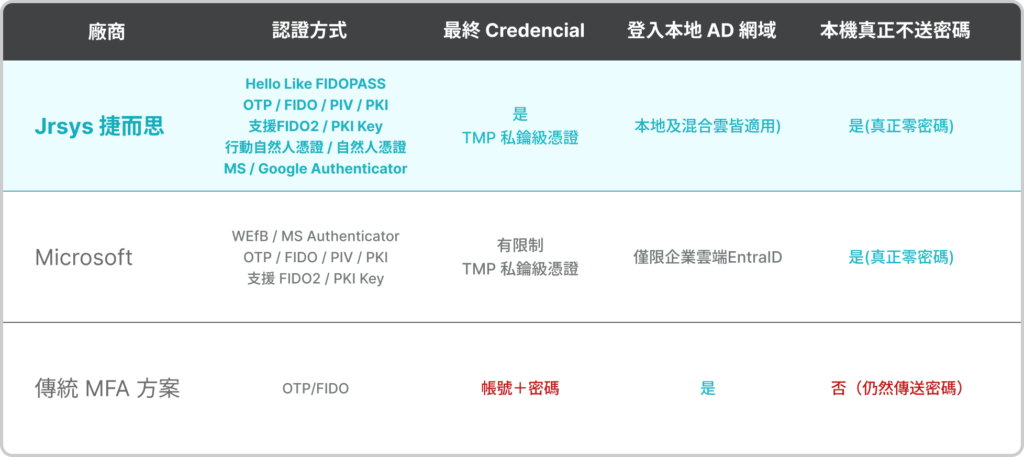
Microsoft Native Support Coverage
Does not support pure on-premises AD DS
Windows local accounts: official support remains limited
Jrsys Passwordless Sign-In Solution
Supports pure on-premises domains and hybrid cloud environments
Works with both AD domain accounts and local accounts
Login available both online and offline
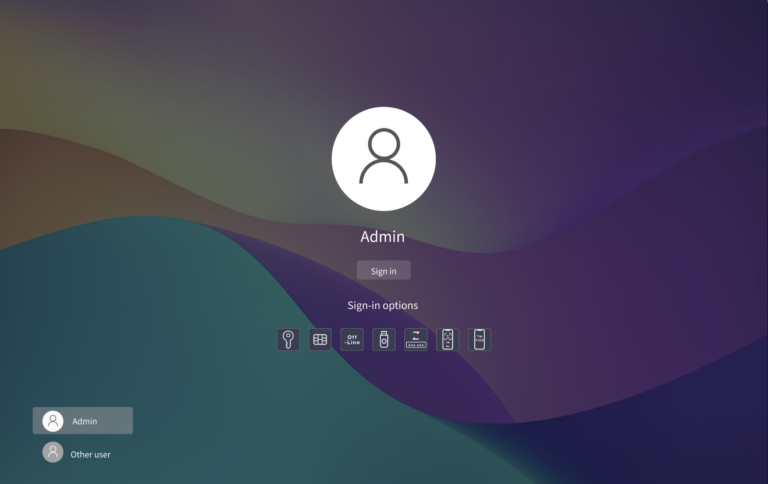
Supports FIDO Key + PIN or mobile biometric authentication
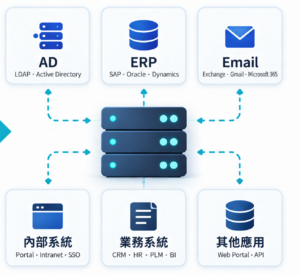
Enable Zero Trust Protection Without Modifying Existing Systems
Rapidly add multi-factor authentication to legacy systems without source code changes
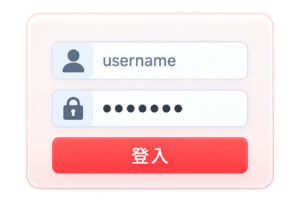
Traditional Sign-In
Sign in with username and password
Password-only authentication, high risk
Switch to FIDO Authentication
Authenticate users with FIDO
Change the login method — no backend modifications required!
No Changes to Existing Systems
Keep existing systems unchanged
Multiple Authentication Methods to Meet Diverse Needs
FIDO
Hardware Key / Security Key
OTP / TOTP
One-Time Password / Time-Based One-Time Password
PIV
Fast and Secure
Mobile Citizen Digital Certificate
Government-Approved Authentication / High Assurance Level
Citizen Digital Certificate
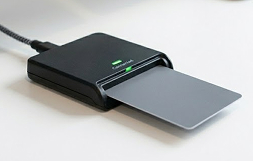
Physical Smart Card Authentication / Secure and Reliable
Password
Traditional Password Login (Compatibility Support)
A More Intuitive and Seamless Authentication Experience
Sign-In Process
Step 1
Select a Sign-In Method
Step 2
Authenticate without a Password (e.g., Security Key / FIDO / Facial Recognition)
Step 3
Sign-In Successful
A Structured Implementation Process for Faster Deployment
Requirements Assessment
Understand the existing environment and requirements
Solution Planning
Plan the deployment approach and authentication architecture
System Integration
Integrate with existing systems and applications
Testing & Validation
Complete Sign-In and workflow testing
Go-Live
Complete deployment and start using the solution with confidence
Take Action Now for Fast, Secure Passwordless Login
Let Jrsys help you plan the right passwordless authentication solution for your needs. Contact us today for dedicated consultation and support.
Passwordless authentication helps organizations move beyond traditional passwords by using security keys, mobile devices, biometrics, and other methods to verify user identities. This reduces the security and management risks associated with password leakage, password reuse, and forgotten passwords.
Is Passwordless Sign-Iin Suitable for Small and Medium-Sized Businesses?
Yes. Small and medium-sized businesses also face challenges such as forgotten passwords, account lockouts, remote access, and the risk of compromised credentials. Passwordless authentication can be introduced gradually, starting with employee login, VPN access, or specific internal systems.
How Long Does It Take to Implement Passwordless Sign-In?
Implementation time varies depending on the size of the organization, the number of systems, and the scope of integration. Companies can start with a single system or a specific department, then gradually expand to AD, VPN, SSO, and other internal systems to reduce the complexity and risk of a large-scale rollout.
Do We Need to Replace Existing Computers or Purchase Additional Hardware for Deployment?
Not necessarily. Whether additional hardware is required depends on the authentication method and the desired security level. In some scenarios, authentication can be completed using a mobile phone or existing devices. For higher-security requirements, organizations can use options such as security keys, OTP cards, or Citizen Digital Certificates.